
Markdown Editor
Extension Actions
A lite, free & flexible Markdown editor app for your browser.
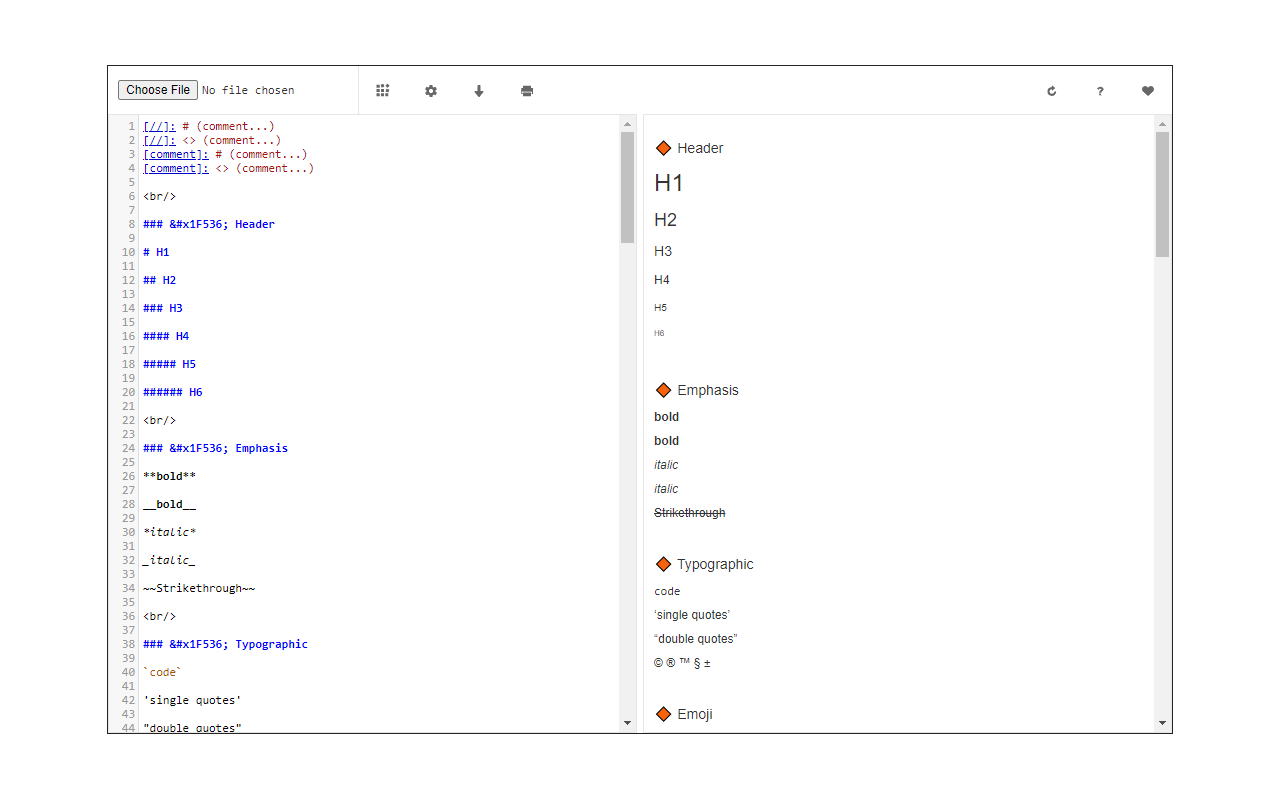
Markdown Editor is an editor for markdown language (a lite markup language with plain text formatting syntax).
With this app, you can open any ".md" file and edit the code via the built-in markdown editor. Moreover, you can compile the code and see the rendered document within the app (side or bottom sections depending on the window size). Once a markdown code is compiled you can click on the print button to print the document to .pdf format (via the print UI). Please note that this app uses CodeMirror (codemirror.net) and markdown-it (github.com/markdown-it/markdown-it) open-source JavaScript libraries.
There are few settings to adjust for this app, simply open any markdown document, edit the code on the left side editor, then adjust desired options on the top toolbar, and then click on the compile button. Please note that the add-on also compiles the code on the fly as you type in the editor. Once you are done, you can download the final markdown code or get the PDF for the final result.
If you have a feature in mind or found a bug to report, please fill the bug report form on the add-on's homepage (https://mybrowseraddon.com/markdown-editor.html).
Latest reviews
- hua
- can't use,a failed work is only used by the author as an advertisement
- ying
- { "stack": "Error: Failed to execute 'btoa' on 'Window': The string to be encoded contains characters outside of the Latin1 range.\n at chrome-extension://ndeidhcmcnaijpbnddkllakncfgbbaei/data/interface/index.js:266:62" }
- 龙
- can't use, error is "stack": "Error: Failed to execute 'btoa' on 'Window': The string to be encoded .....