
Chegg Link Finder
Extension Actions
CRX ID
npfcifobeiabpojfjaokhmjndkdfjndh
Status
- Extension status: Featured
- Live on Store
Description from extension meta
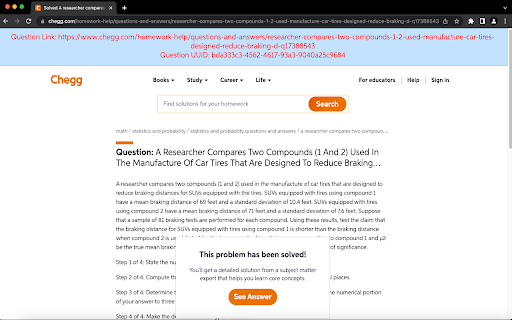
Displays a banner on top of the Chegg page with the true link to the question on the page.
Image from store
Description from store
This extension will automatically display the UUID and true Question Link at the top of the page.
This extension will automatically filter the page source code for Chegg URLs and display the UUID at the top of the page.
You could inspect Chegg URLs and hit CTRL+F to find the Question Link and UUID. This extension simply automates that.
It does not show answer or anything that violates Chegg TOS.