Complete ID Safe Browser
Extension Actions
The Safe Browsing Extension
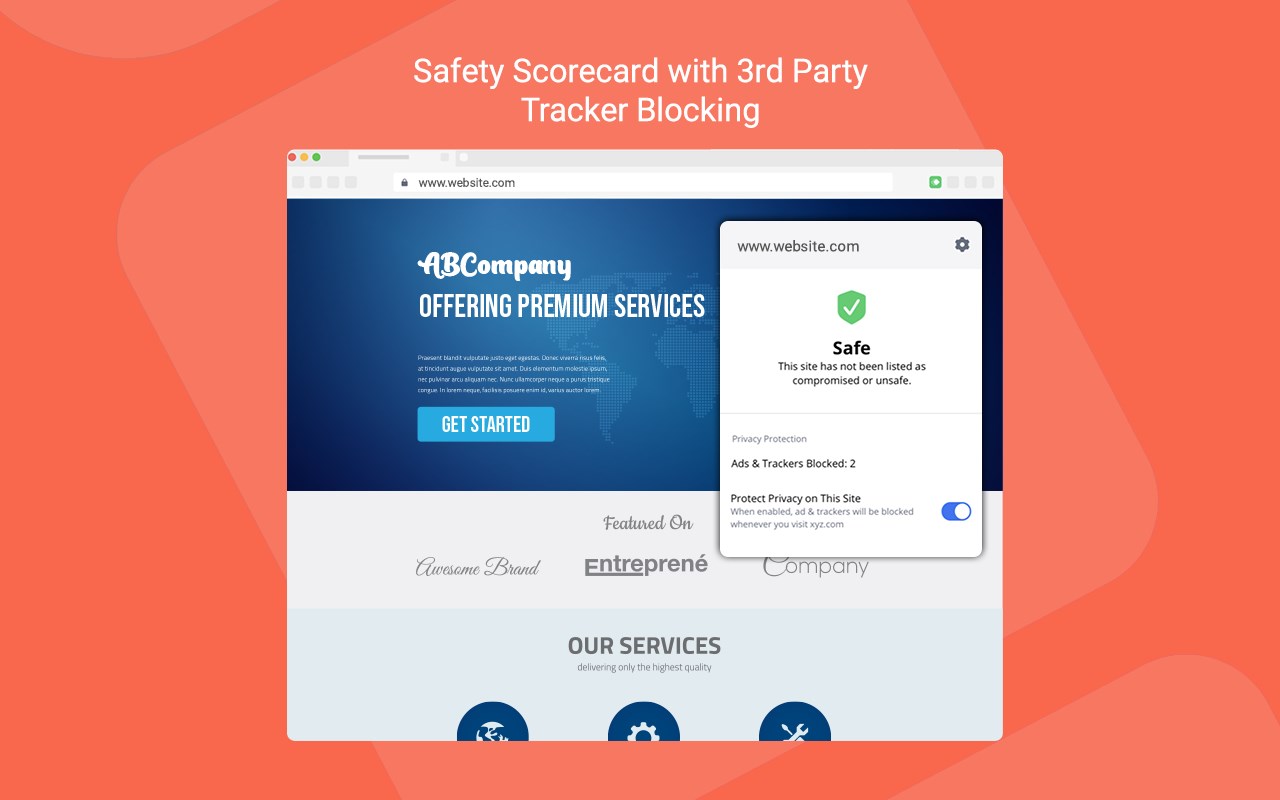
Complete ID provides you with solutions that protect your digital privacy. Safe Browser will help keep your internet browsing safe and private. Block ad trackers, unwanted ads and protect yourself from unsafe sites known for phishing, malware, poor security, and breaches.
Browsing the web privately and securely with a full-featured safe browser will help you:
1. Prevent third parties (social, ads and data harvesting networks) from accessing the user's private information
(browsing history, account logins, personal and financial information).
2. Prevent users from going to an unsafe website that is associated with malware, data breaches, or poor security.
Safe Browser is a full-featured web browser that isolates your data from the default web browser that comes with your device. Your browsing history, bookmarks and settings are encrypted and never leave the device. Safe Browser allows you to open multiple tabs, view full screen video in landscape and portrait, and bookmark your favorite sites. For your safety and privacy, Safe Browser comes with a built-in tracker and ad blocker and a site reputation shield. The site reputation shield will check for known malicious sites on your device and warn you before you visit them.
Latest reviews
- Allan
- I could not find the activation code.
- Peter
- It's the same here. I don't know where I'm supposed to get the access code to activate the extension. Unless I can see the extension is working without the code, I'll be removing Complete ID's Safe Browsing extension.
- Joyce
- This makes absolutely no sense. Open what application? There's an extension for each web browser, but no application. "Open the Safe Browser application to get the access code we generated for you. You can begin using the application after we verify the access code."
- Dave
- Very confusing instructions. Asks for a code and then gives a link to the code, but no code appears anywhere on link! What gives? Need better instructions!