
ShotBird - Scrolling Screenshots, Tweet Images & Editor
Extension Delisted
This extension is no longer available in the official store. Delisted on 2026-03-10.
Extension Actions
Take scrolling screenshots, turn tweets into images, and edit captures—all in one lightweight extension.
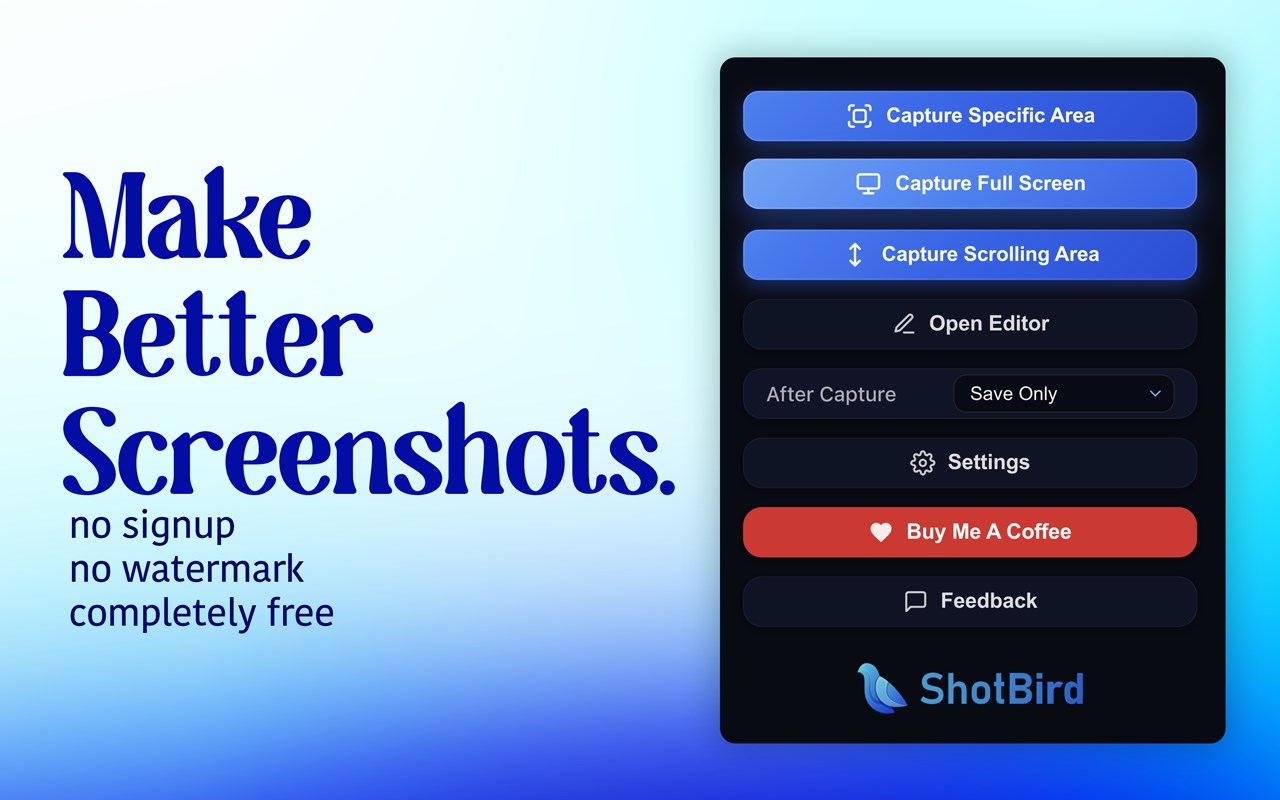
ShotBird is a fast screenshot and scrolling capture extension for Browser. Capture full pages, select a region, or grab the visible screen, then edit and export clean, share-ready images.
What you can do
- Scrolling screenshots: advanced full-page capture with smart scrolling and a stop button (great for long pages and feeds)
- Area capture and full-screen capture
- Save to disk instantly or open in the built-in editor
Built-in editor
- Import tweet screenshots directly from a Twitter/X URL (with optional footer hide)
- Backgrounds: gradients, solid colors, and wallpapers
- Layout presets: aspect ratios for Instagram, Twitter/X, YouTube, Pinterest, plus common ratios (16:9, 4:5, 9:16, 1:1 and more)
- Styling: shadows, rounded corners, macOS-style window frame
- Annotations: text, arrows, highlights, and blur/redaction
- Crop
Export
- PNG or JPG
- 1x / 2x / 3x resolutions
- Download or copy to clipboard
Privacy All processing happens locally in your browser. No uploads.