
Dictionary
Extension Actions
Search word's definition,meanings,synonyms
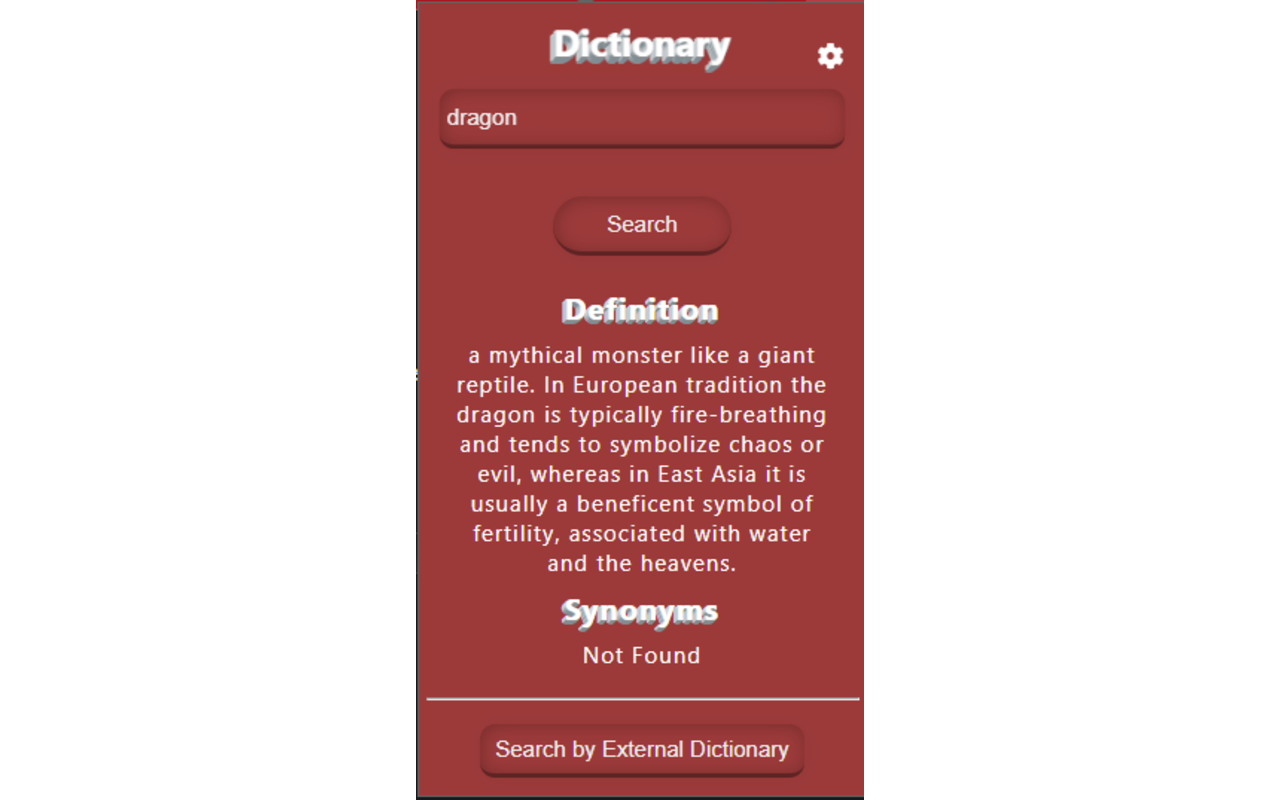
If you become bored due to opening tabs for finding meaning, definition, or synonyms of the words, then you are right place.
This extension is amazing for finding the word's meanings, synonyms, antonyms, etc, This extension automatically searches the details of any word.
*************************************************************
How to use it:
Click on the Dictionary icon or logo at the top right corner of the browser window.
A pop-up window or Dialbox would appear. Type your "specific Word " in the search field &
Press enter.
OR
Highlight the word & press right-click and select the dictionary option.
*************************************************************
Features:
- Themes
- Search words by typing in the search field & get results instantly
- Find the word by highlighting feature
- Select the favorite dictionary providers
- 100% free
- No ads
Latest reviews
- Frederick
- Select a word. Right click and choose "Dictionary". Nothing happens. Click Dictionary icon in Extensions bar. Popup appears but does not contain the selected word.
- Andrew
- I use microsoftEdge. When I highlight the word and right clicked the mouse and click Dictionary app, there is no pop up box showing the definition of the highlighted word.
- Sarmed
- This looks nice and I really like it but sometimes it gets hard to read the font
- Mohammad
- Awesome Extension, It's very helpful. I recommend it to all...try it.
- Mohammad
- Amazing extension for searching words meaning,definition,synonyms etc... It's make my life easy