Audio and Voice Recorder
Extension Actions
Record microphone, tab audio, or both. Trim and download as MP3 or WAV.
🎙️ Audio and Voice Recorder - Record, Trim, Export MP3 & WAV
The simplest way to record audio right inside Edge. Capture your microphone, browser tab audio, or both at the same time. Trim your recording with a visual waveform editor, then download as MP3 or WAV. No sign-up, no uploads, everything stays on your device.
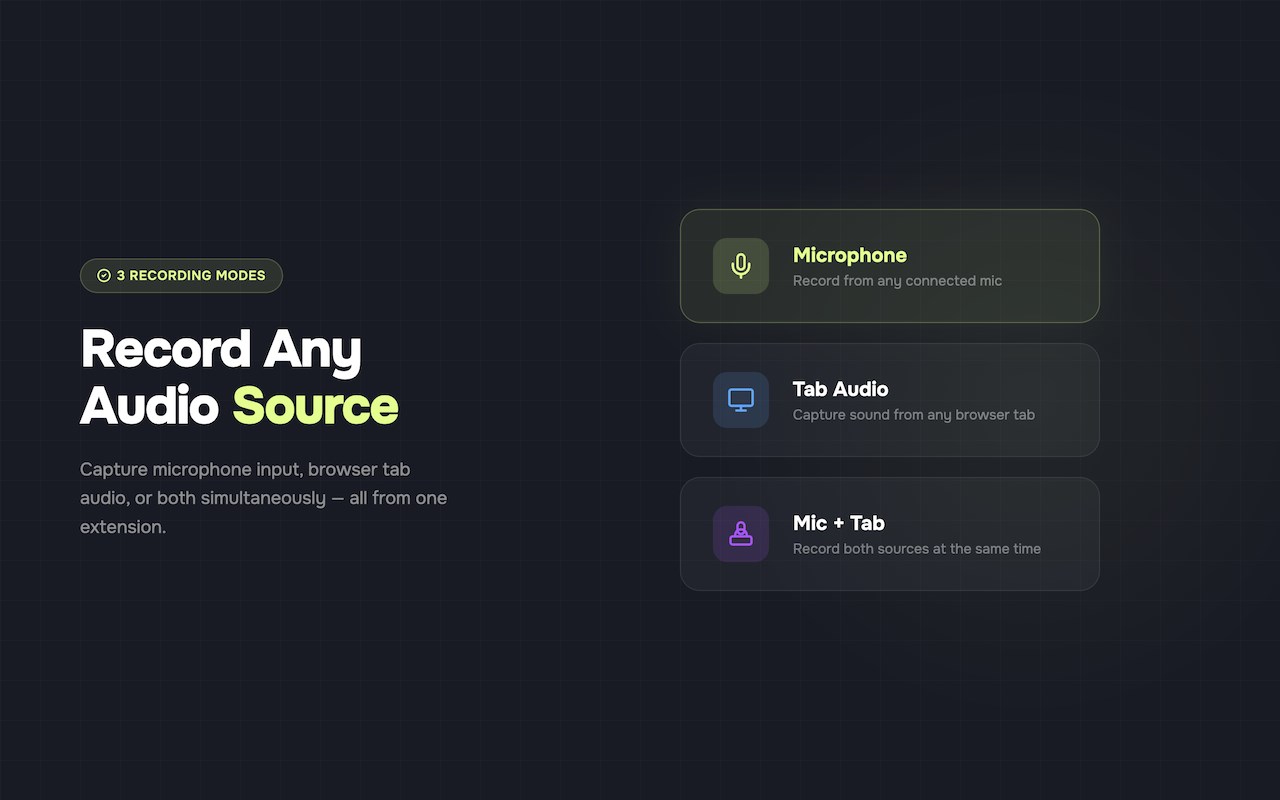
🎤 3 Recording Modes
- Microphone: Pick any connected mic and hit record
- Tab Audio: Capture sound from any Edge tab (meetings, podcasts, music, videos)
- Mic + Tab: Record both sources simultaneously into one file
✂️ Built-in Trim Editor
Don't waste time with a separate app. Use the visual waveform editor to cut the beginning and end of your recording before saving. Clean results, every time.
📁 Export as MP3 or WAV
- MP3: Choose your bitrate from 128 kbps to 320 kbps
- WAV: Lossless, uncompressed audio for maximum quality
- Downloads straight to your computer
📌 Lives in the Side Panel
Opens in Edge' side panel so you can record while browsing. No new windows, no tab switching. Just click and record.
🌙 Dark Mode
Easy on the eyes during late-night sessions. Toggles with one click.
🔒 100% Private
- No account needed
- No data uploaded to any server
- No analytics, no tracking
- Everything runs locally in your browser
Perfect for:
- Recording online meetings (Google Meet, Zoom web, Microsoft Teams)
- Saving podcast episodes or audio from YouTube
- Voice memos and quick notes
- Capturing music or audio from any website
- Recording lectures and webinars
- Voice-over recordings