
Sharemaster: Copy Title & URL with Shortcut
Extension Actions
CRX ID
panclagdemghlbjnlpodomknbiimokgb
Description from extension meta
Helps you copy the title and URL quickly with keyboard shortcuts
Image from store
Description from store
Help you copy the title and url quickly with easy shortcut keys!
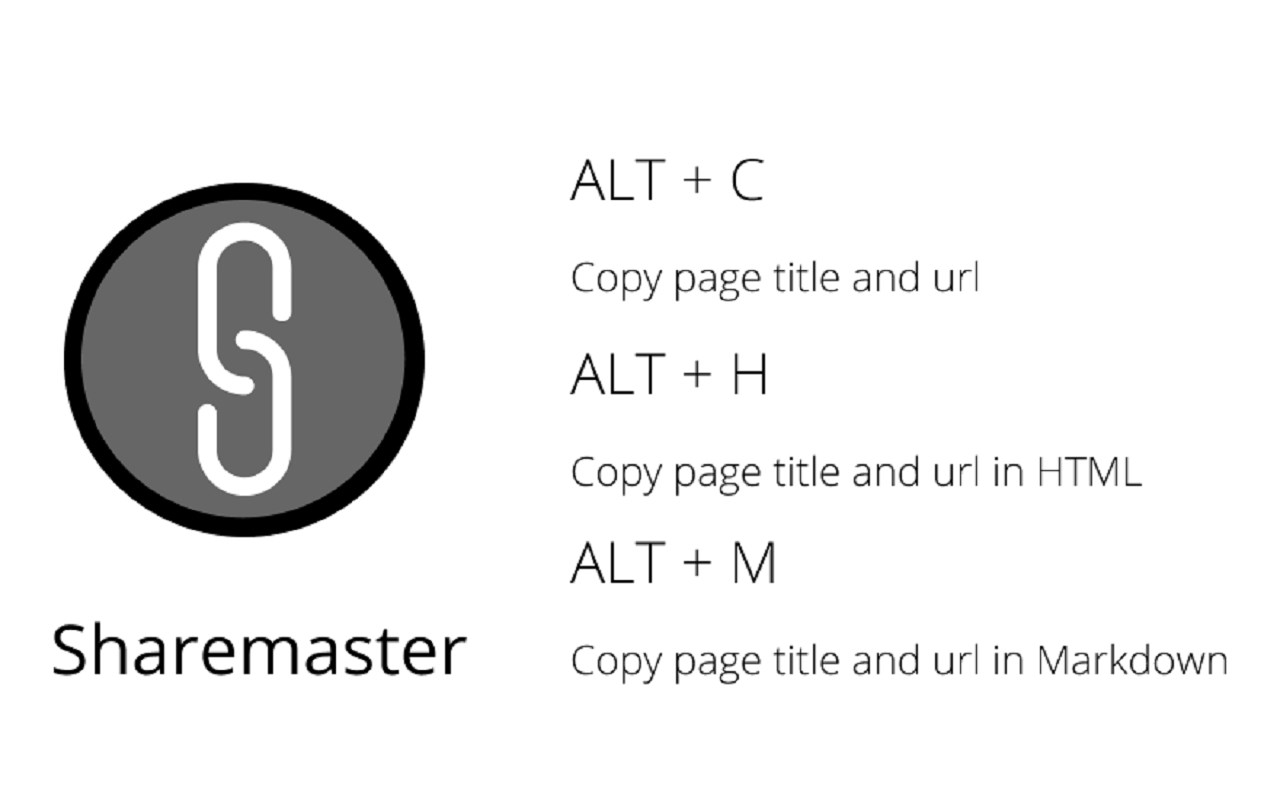
These are preconfigured shortcuts:
ALT + C
Copy Page Title and URL
ALT + H
Copy Page Title and URL in HTML syntax
ALT + M
Copy Page Title and URL in Markdown syntax
These shortcuts are configurable via the chrome extensions shortcut menu too.
Alternatively, Sharemaster can also be accessed from the menu by right-clicking on the webpage.
This is ultra useful when you are working on your reports or simply sharing viral content with your friends!
Latest reviews
- Ibrahim
- A godsend of an add-on! This works effortlessly and exactly as you expect. My only suggestion would be a URL-only copy option; that would be useful when we want to copy URLs into a database or a Notion cell (or any text input that *only* accepts URLs and no other text).