
Clipboard Eternity: Auto-Save Every Copy
Extension Actions
Auto-saves every copy you make. Search, reuse, and export your clipboard history forever. Never lose copied text again.
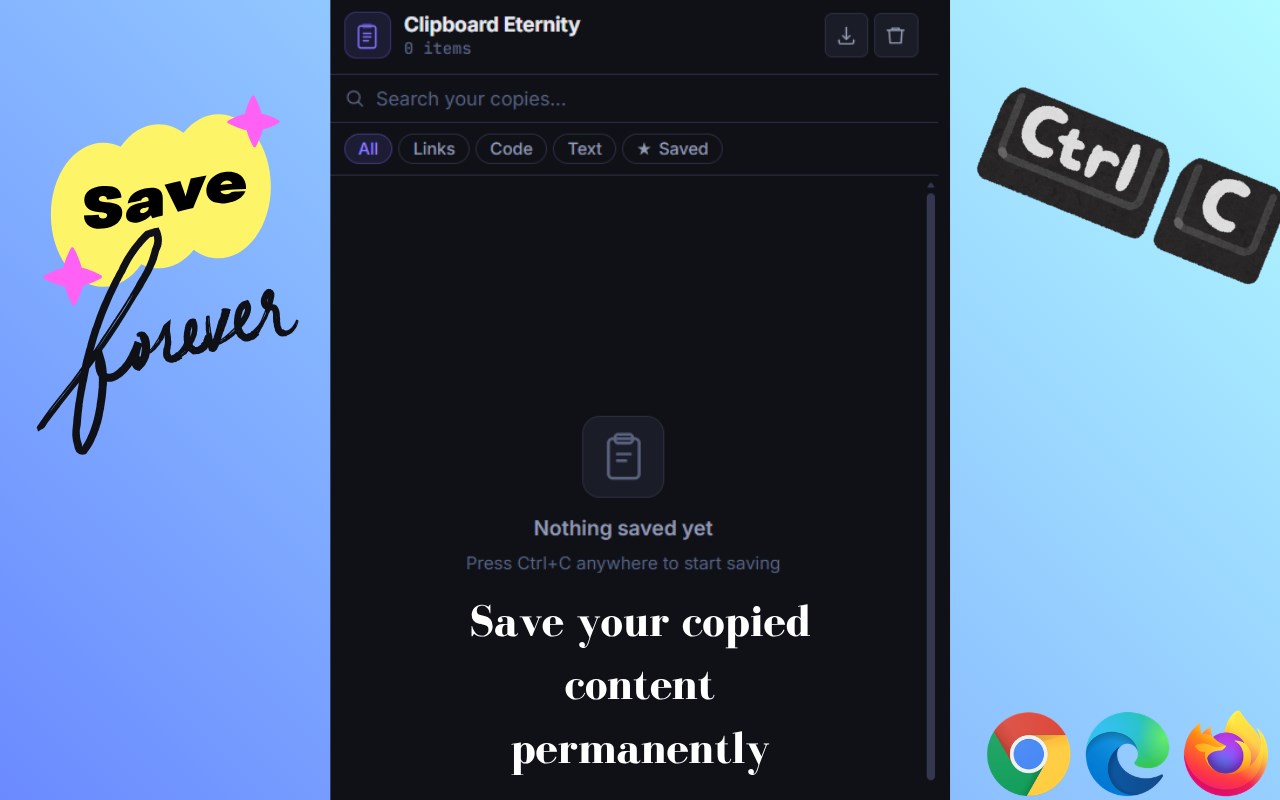
Clipboard Eternity is a simple and powerful clipboard manager that automatically saves everything you copy so you never lose it again. It works quietly in the background and captures every copy action including text, links, code snippets, emails, and numbers across all websites.
Features
1 Auto captures every Ctrl+C and right click copy
2 Automatically detects URLs and saves them as smart links that are searchable and clickable
3 Detects different content types such as text, code, emails, and numbers
4 Provides full searchable clipboard history for quick access
5 Allows filtering by type including links, code, text, and saved items
6 One click copy and fast reuse of previous entries
7 Option to star and save important items
8 Export clipboard history as JSON, CSV, or plain text
9 Right click context menu support to manually save selections
10 Works seamlessly across all websites
Keyboard Shortcut
Alt+C to open Clipboard Eternity instantly
How it works
1 You copy any content
2 The extension saves it locally
3 You can open the popup anytime to search and reuse it
Privacy
• All data is stored locally on your device
• No servers, no tracking, no analytics
• No data is collected or transmitted
Clipboard Eternity is designed to be fast, reliable, and completely private while improving your daily workflow by making your clipboard searchable and permanent.