
CRX id
pebejnemlhfponihjjockklneimkndal
pebejnemlhfponihjjockklneimkndal
Description from extension meta
A free online calculator for all your office and personal needs.
Image from store
Description from store
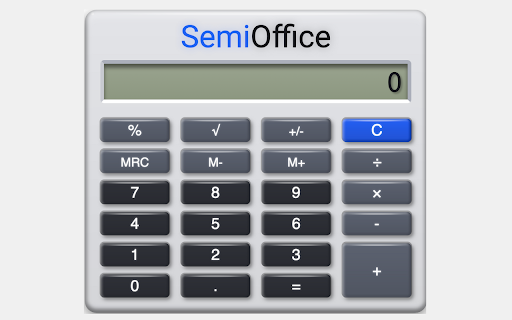
Office Calculator Extension is a lightweight and easy-to-use calculator that runs as a Chrome extension. It's perfect for quick calculations and for anyone who needs to do basic arithmetic while working on their computer.
With Office Calculator Extension, you can perform all the standard mathematical operations, including addition, subtraction, multiplication, and division. You can also use it for percentages, square roots, and other simple functions.
One of the great things about Office Calculator Extension is its simplicity. There are no complex menus or confusing settings to worry about. Just type in your numbers and press the corresponding buttons to get your results.
The Office Calculator Extension also features a large display that makes it easy to read your calculations. You can even customize the look of the calculator by choosing from several different color schemes.
Office Calculator Extension is perfect for students, professionals, and anyone who needs a simple calculator at their fingertips. Download it today and make your Chrome browser even more useful!
For Large size calculator to perform all of your office calculations on screen you can visit semioffice.com