
Reverse Image Search Tool
Extension Actions
A powerful browser extension that simplifies the process of reverse image searching
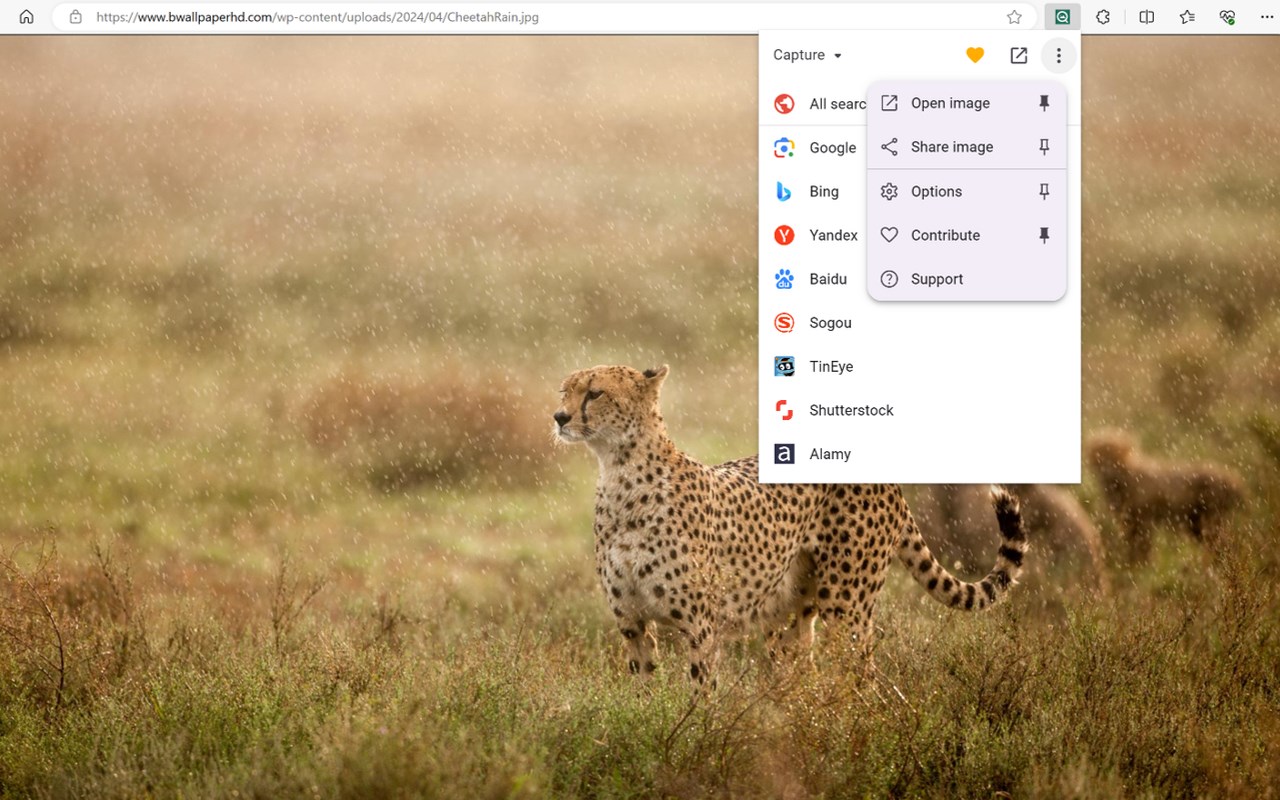
Reverse Image Search Tool is a powerful browser extension that simplifies the process of reverse image searching. It is compatible with a wide array of search engines, including Google, Bing, Yandex, Baidu, and TinEye, among others.
Features:
Universal Support: The extension seamlessly integrates with over 30 different search engines, enhancing your ability to perform reverse image searches.
Open Source: Developed as an open-source project, it thrives on the support of a community of dedicated contributors. For those interested in supporting ongoing development, please visit Armin's Patreon.
Versatile Utility: It serves as an invaluable tool for journalists and researchers in verifying image authenticity and combating misinformation on social media. Photographers can explore how their work is shared online, and shoppers can find similar products at lower prices.
Functionality:
Context Menu and Toolbar Access: Users can initiate a search from either the browser's context menu or toolbar with the help of multiple reverse image search engines, which are customizable in terms of toggling and ordering through the extension's settings.
> Detection and Search Options: The extension detects images in the selected area regardless of their embedding method on the webpage. It also supports searching with images from private sites, your device, and captured page areas.
> Search Modes: The extension offers various search modes to cater to different needs:
> Select URL: The default mode, searches using the selected image's URL.
> Select Image: Preferred for sites that restrict direct image linking, searches using the image file.
> Capture: Searches using a selected area of the page.
> Browse: Allows searching with images from your device, including pasted images from the clipboard.
> URL: Directly searches using an image URL.
Technical Requirements:
To search with local images opened in a tab, the "Allow access to file URLs" option must be enabled, found in the edge://extensions page under the extension's details.
Privacy Considerations:
During a search, the selected image is sent to the requested service, but it does not collect any your infomation. For more details, refer to the extension's privacy policy.
Availability:
The extension is not limited to Edge browser; it is also available for Chrome and Safari.
Latest reviews
- Lars
- It’s not working and only shows blank pages.