
DirX - RTL LTR
Extension Actions
CRX ID
pkdclhjgddilmjlikjmkkcoohkkldabl
Status
- Live on Store
Description from extension meta
Toggle the X-axis flow direction of a webpage or individual elements from right to left and left to right
Image from store
Description from store
*New! Custom settings for websites*
- Activation -
1. Right-click menu (ContextMenu)
2. Keyboard shortcuts
- Keyboard Shortcuts -
Ctrl+Shift+Right -> Right to left (RTL)
Ctrl+Shift+Left -> Left to right (LTR)
Ctrl+Shift+X -> Select mode
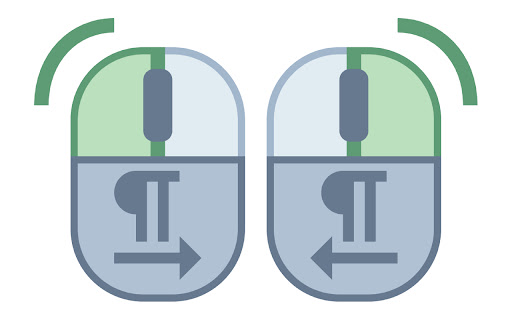
- Element selection mode (mouse buttons) -
Right click -> Right to left (RTL)
Left click -> Left to right (LTR)
Ctrl+Shift+X -> Cancel select mode
- Notes -
The extension should work on most websites, but there may be exceptions.
Latest reviews
- Mark
- this is amazing
- יוסי גרוס
- וואו פשוט מדהים. תוסף שימושי ונוח.
- yehoshooa fried
- שימושי ונח לשימוש
- משפחת גפני
- תודה רבה. זה מאוד עוזר!!
- אלחנן ק.
- שימושי ונח מאוד!
- יעקב הלר
- תוסף שימושי ונוח. עובד טוב ויעיל
- מאיר הימלפרב
- מעולה
- אהרן שטיינברוך
- אחלה תוסף מאפשר לבחור חלק מהדף ולשנות רק אותו