
Text Editor
Extension Actions
A free, highly customizable text and code editor extension for your browser.
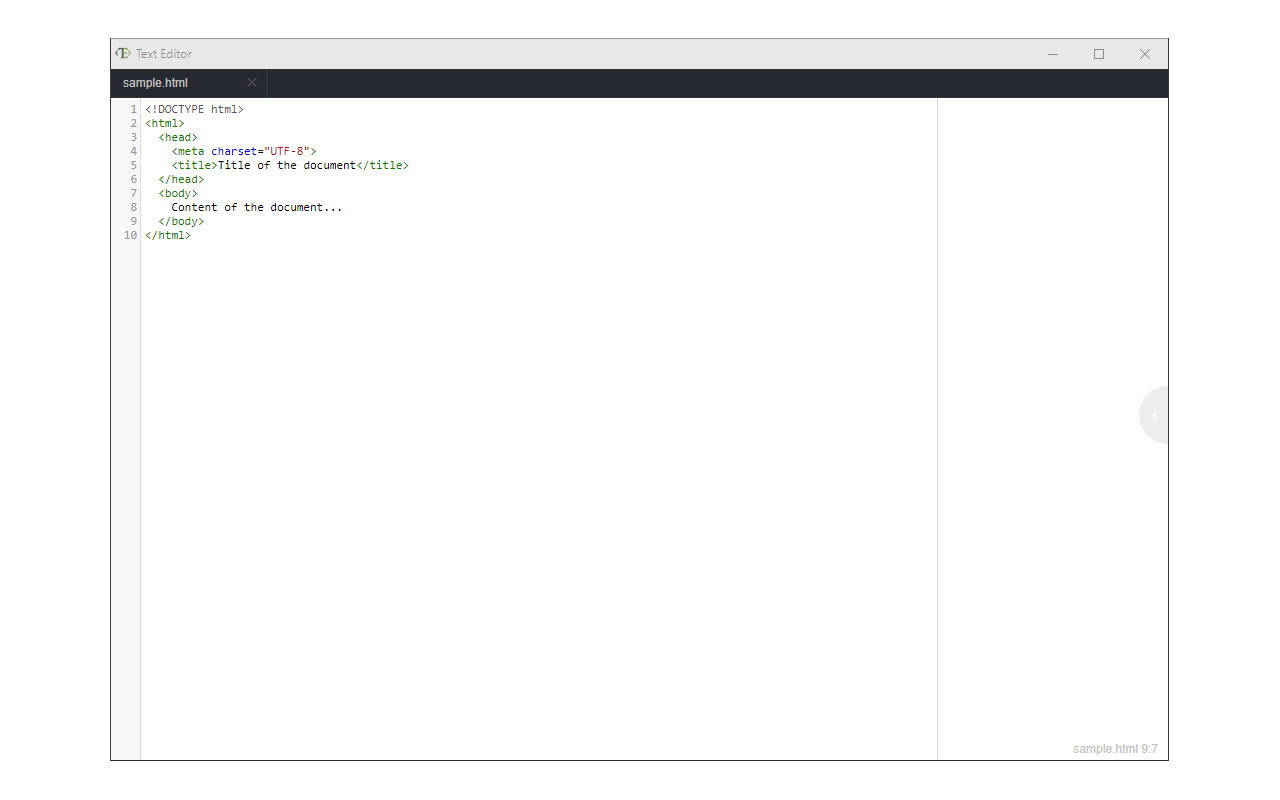
Text Editor is a full-featured text & code editor add-on for your browser.
This add-on has plenty of options to adjust and is built on top of the famous CodeMirror open-source JavaScript library (https://codemirror.net/). Once you open the add-on for the first time, you will see a sidebar at the left and an empty text editor at the right. The left sidebar includes file I/O buttons. For example, a button to open file(s) or settings. There is also a right sidebar that includes all the options for this app.
Note 1: This extension uses the new file system access API (https://web.dev/file-system-access/) to open and save files to disk. But, if your browser does not support this new API, it uses the - downloads - API instead to save files to disk in the default download folder (asks for downloads permission when opening the interface).
Note 2: Currently, Text Editor supports three key-maps for famous text editors (i.e. sublime). Moreover, it supports more than 100 coding languages (i.e. JavaScript, CSS, HTML, etc.)
If you have a feature request or found a bug to report, please fill the bug report form in the add-on's homepage (https://mybrowseraddon.com/text-editor.html).
Latest reviews
- Robert
- works good with alt-i and copilot, you can write stuff then use it like this to fix your writtings or replies but you have to afterwords take alt-c or copy and paste, since the replace text feature doesn't work using text editor, but it is able to use alt-i feature of copilot and you can fix your text with that for comments or other stuff English teachers may not like its use thought or maybe they would? here is this same text using alt-i in with copilot and this app (next line). (The alt-i function and Copilot work well together; you can write text and then use this feature to correct your writing or responses. However, you must subsequently use alt-c or copy and paste, as the replace text feature does not work within the text editor. Nonetheless, the alt-i feature of Copilot allows you to refine your text for comments or other purposes. English teachers might have mixed opinions about its use, though.) it cannot yet or should not replace your english teachers of course.
- Kanha
- Its simple and good, please add feature for auto saving of files and preserve them after exit and auto reopen on next launch.
- 骏
- 不支持中文字符,注释等