CADS icon

CADS

Extension Actions

How to install Open in Chrome Web Store
CRX ID
plomkhaibmiblafgelohbcdnchchjdnm
Status
  • Live on Store
Description from extension meta

Clickjacking Auto Detection System

Image from store
CADS
Description from store

Worry-free browsing starts here!

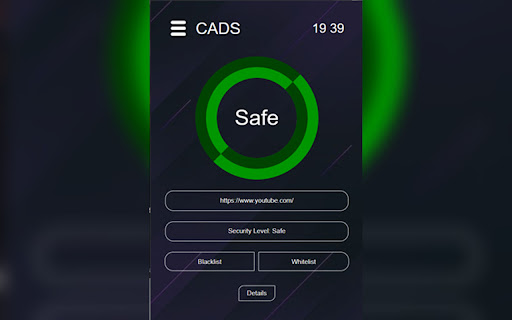
CADS is a powerful browser extension that automatically detects clickjacking vulnerabilities as you navigate the web.
By analyzing security headers like X-Frame-Options (XFO) and Content-Security-Policy (CSP), CADS identifies potential risks and notifies you in real-time.
Features include two-factor authentication (2FA), whitelist/blacklist management, proof-of-concept (PoC) reports, and a user-friendly dashboard.

NEW Updated* (v1.200)
Accessibility Improvements:
- Added NEW hotkey to open the CADS extension
> Default (Windows): Alt + Shift + Q
> Default (Mac): Command + Shift + Q
- Activation code is now easier to access — simply click “Find Code”

Bug Fixes:
- Fixed issue where clicking “Change Account” during login would incorrectly redirect back to the OTP page.
- Fixed welcome message so it now displays only once.
- Fixed notification message for blacklist/whitelist changes for newly added domains.
- Improved layout: warning and blacklist pages are now fully compatible with lower screen resolutions.