
iGuider Selector Getter
Extension Actions
- Live on Store
Addition to the iGuider and iTour plugins. Gets an unique selector code for any element on the page.
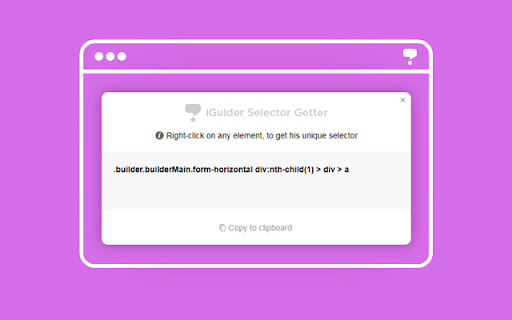
The fastest way to get unique CSS selectors for any element on a webpage.
Initially designed as a companion tool for iGuider and iTour plugins, this extension has become a powerful standalone tool for web developers, QA engineers, and automation experts.
Key Features:
- One-Click Discovery: Just click on any element to get its most reliable unique CSS selector.
- Smart Logic: Generates clean and robust selectors.
- Instant Copy: Built-in "Copy to Clipboard" functionality.
- Lightweight: No background battery drain.
How to use:
1. Click the extension icon in your toolbar.
2. Hover over the element you need.
3. Click to generate the selector.
4. Copy the result from the pop-up field.
Latest reviews
- Tony
- Doesnt work on mobile , could make it work with one user script
- Clifford P
- didn't work. the pink box appeared, which was nice, but then right-clicking didn't do anything. I restarted Chrome after installing, tried again, still not working.