NaviTouch
Extension Actions
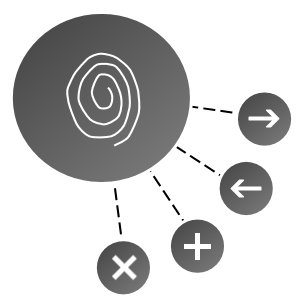
Shows a floating button which you can use to navigate the current webpage and tabs.
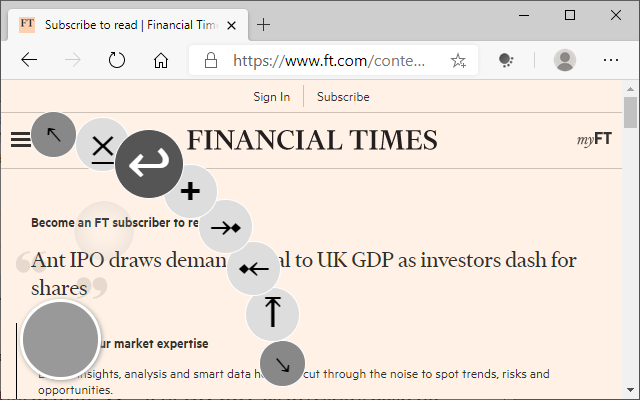
For touch screen users only. Press on the NaviTouch button (grey circle) with your finger to pop open the menu. Simply slide your finger to the nearest action you want to perform to automatically invoke that action.
Actions include:
- Scroll to the top of the page
- Focus previous tab
- Focus next tab
- Create a new tab
- Navigate back in history
- Close the current tab
You can optionally move the grey circle to any of the 4 corners of the screen.
Why:
When using touch screens, anything at the very top of the screen is hard to reach with your finger. The difficulty is compounded by the need to touch the tiny "X" to close a tab or the tiny "+" to open a new tab.
With this extension, it make accessing those 2 frequent functions easier by taking advantage of the ease at which gestures or swipes can be performed with your finger.
Latest reviews
- Lan
- 5c5810fd.weaksharedptr.com注册送永久流量的,专线支持GPT,可以试试,节点多,又快又稳,晚高峰看8K视频完全不卡!(手机电脑全平台互通)
- Kar
- this is probably the best extension to "scroll to top", using on my surface go and i love it, but i will give you 5 stars, then it can be pressed by mouse too :)
- Sirius
- 功能可以,但在浏览器自己的页面无法使用,例如new tab和download页面