Tap To Tab
Double-click (double tap) on a link to open it in a new Tab. Designed for tablets and laptop trackpads.
29 extensions
Double-click (double tap) on a link to open it in a new Tab. Designed for tablets and laptop trackpads.
Turn a URL or a text selection into a QR code with one click on the context menu or toolbar icon. Click to edit it. Works offline.

Redirects a few JavaScript libraries hosted on Google's CDN (ajax.googleapis.com) to Microsoft's CDN (ajax.aspnetcdn.com)

Makes the New Tab page a truly blank page which uses no scripts. It also supports light and dark mode.
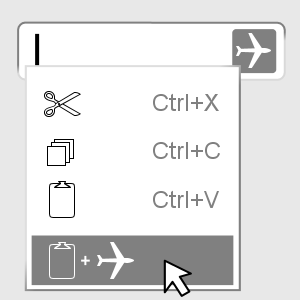
Adds an item to your right-click menu for text fields to paste the clipboard contents and submit the form.
Allows you to quickly navigate your browser history and to switch between tabs by clicking on the left edge of your screen/window.

Ignore Google scripts and route Google CDN to Cloudflare.
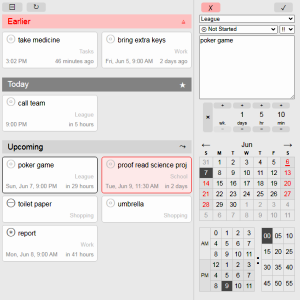
View your Microsoft Tasks in an offline interface that's both quick and efficient. Easily add, postpone and mark tasks as done.
Make links open in the same tab for specific webpages.
Plays a click sound when you click on a link. Also plays a trumpet sound when you finish downloading a file.
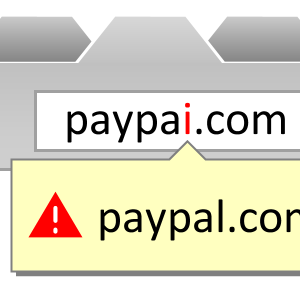
Checks for homo-graphs in the domain name of the current website to prevent phishing.
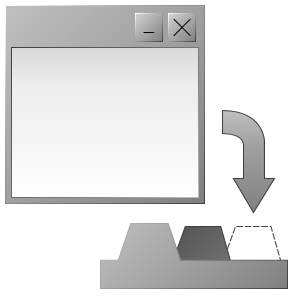
Turns all popup windows into tabs and merge them to the main window.
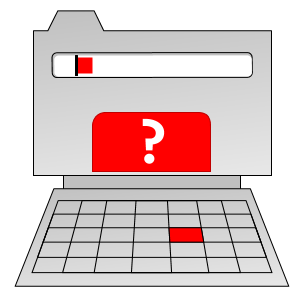
Notifies you when you type something if no text boxes are currently selected, meaning the inputed text isn't going anywhere.
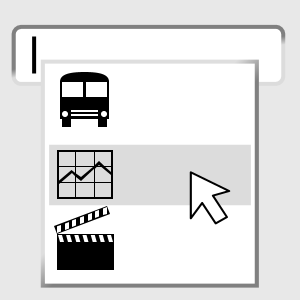
Adds an item to your right-click menu that will insert recently searched terms into your current text box.
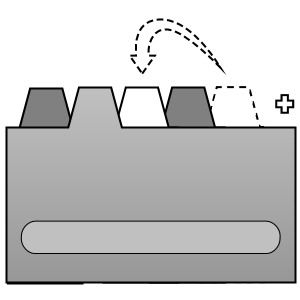
Make your browser open new blank tabs next to the current tab.
Discards tabs that are inactive for 3 minutes to free up memory, while still preserving the tabs state when you click on them again.
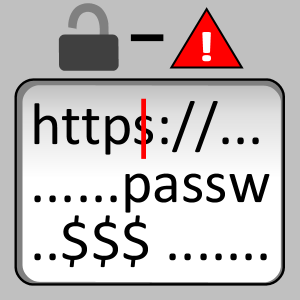
To protect your privacy, this extension warns you if a URL looks to be a redirection URL and does not use HTTPS.
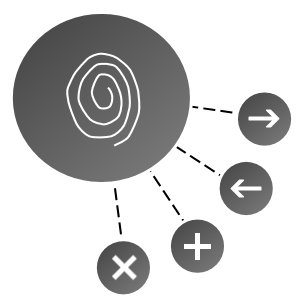
Shows a floating button which you can use to navigate the current webpage and tabs.
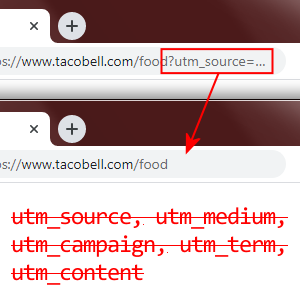
Removes tracking tags from URLs such as utm_source, utm_medium and utm_campaign, using declarativeNetRequest only.
Press Ctrl+Shift+1 (customizable) when on a webpage with a text box to focus the text box closest to the center of the screen.

Snooze the selected tabs by clicking and selecting a wake up time. The tab's browser history is restored too if recently closed.
Warns you if a file you just downloaded is under 4 KB or if the server returned an error, which means you downloaded an error page.

Shows you what permissions your installed add-ons have and what URLs they have permission to access.

Shows 2 arrows around the mouse pointer to make it easier to see, which is great for tutorial recordings or classroom environments.
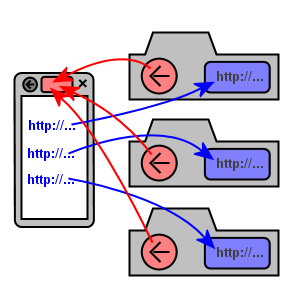
When a website opens a link in a new tab, this add-on allows you to find the originating website just by clicking the Back button.

Restricts webpages from specific domain names to only load content from it's own domain name and nowhere else.
Shows the URL of the link that is under your finger on touch-screen devices.

Easy find that one website you stumbled onto one crazy night and couldn't find again.
Delays loading the 'Google Sign In' code on non-Google websites for your privacy.