Go Focus Self
Extension Actions
Press Ctrl+Shift+1 (customizable) when on a webpage with a text box to focus the text box closest to the center of the screen.
Why:
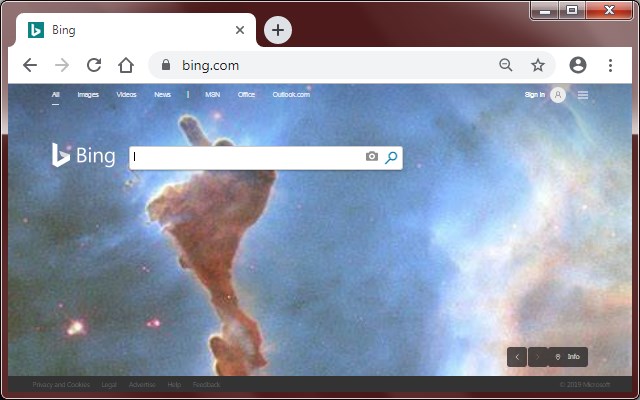
Many webpages require typing as the first thing you do. This includes entering your username to login or typing text to perform a search. Sometimes the webpage won't focus the main text box for the user, which means the user needs to click it with the mouse which is an extra step.
Sometimes your hands are already on the keyboard ready to type and moving your hand back to the mouse to click and then move your hand back to the keyboard is simply too much work.
How:
With the extension, simply press Ctrl + Shift + 1 (customizable) to put the text cursor into the main input field on the webpage.
Features:
This extension is different than simply pressing Tab to move the focus to the webpage's form controls.
This extension has the following unique features:
* Only text boxes are focused, buttons and links are ignored.
* If multiple text boxes are present, the text box closest to the center of the screen is focused. This allows you to focus the login box instead of the search box.
* Only text boxes at the current scroll position are focused. This prevents focusing text boxes at the very top or very bottom of the page.
* If there is a password text box and a normal text box near each other, the password text box has less priority.
* If the webpage has a text box with the autofocus attribute, it is selected first.
Latest reviews
- 志文
- how to customize the shortcut
- Martin
- Been using this for a few years, helpful & easy - thank you!
- Steve
- Unfortunately, the program does not work at all. What I am trying to solve is having to click in the box. What you have given me is a ctl/alt/? to use to go to the box. WHY?????????????????? I already have to move my cursor and click. Now, instead you want me to do a ctl/alt/? Sorry. That ok Microsoft's mouse method doesn't work either. Thank you for visiting 2020.
- Thanh
- Disappointed that the only customization for this annoyingly demands a ctrl or shift combination. I have this set to Home key on google chrome and brave, and I don't see why this has to be different. That's super dumb. Just let me chose my own keyboard shortcuts on my own terms.