Task Management System
Extension Actions
View your Microsoft Tasks in an offline interface that's both quick and efficient. Easily add, postpone and mark tasks as done.
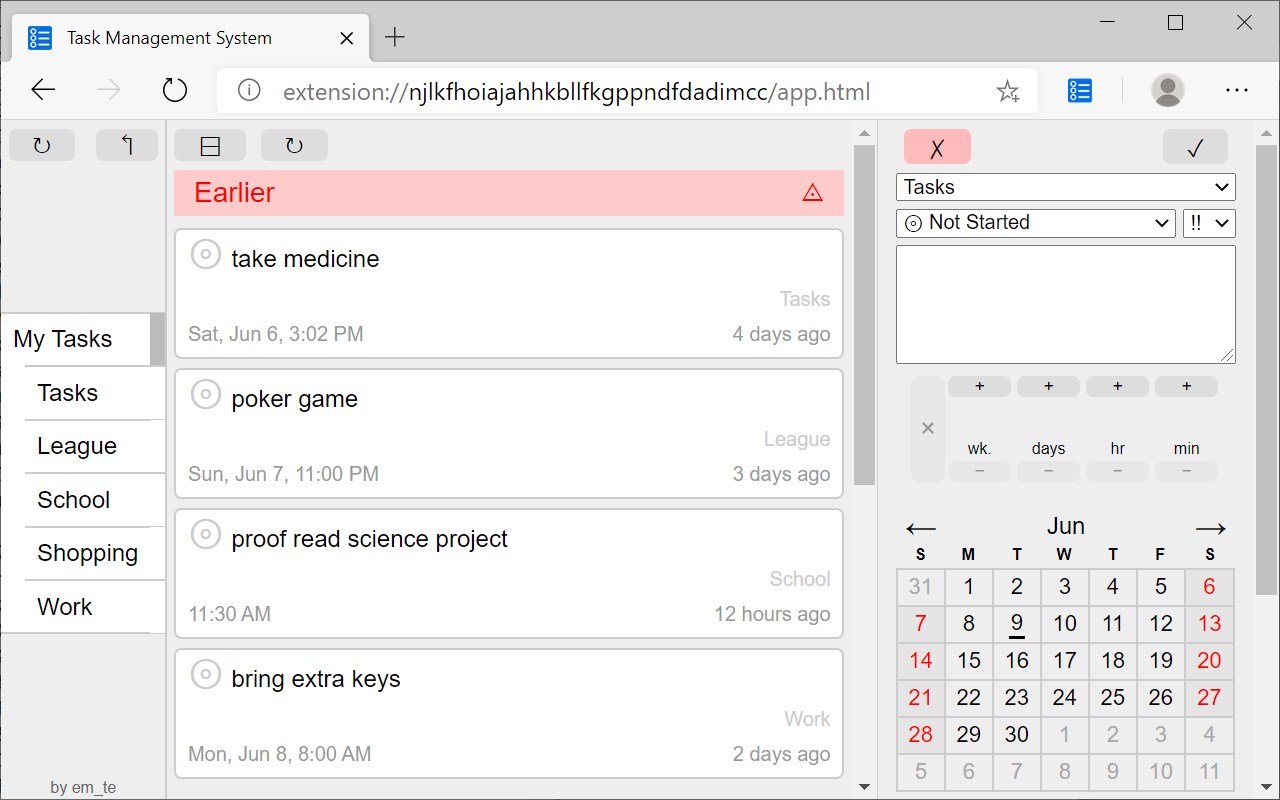
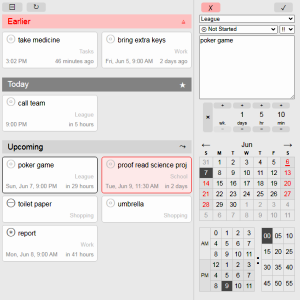
A lite task manager for your Outlook/Microsoft Tasks. Click on the toolbar icon to open the manager.
Features:
* Viewable even when you are offline
* Instantly viewable because tasks are saved on your computer
* Multiple column design to fit more todos in the viewer
* Tasks are grouped by date which reduces cognitive overload
* Displays the relative due date and absolute due date for tasks
* Immediately create a new task on launch just by typing
* Supports Microsoft Tasks delegate and defer feature
* Easy to use calendar picker
* Easy to use relative time picker
A user account with Hotmail, Outlook or Office 365 is required.
This third-party extension is not affiliated with Microsoft. By using this extension you agree to the Microsoft Services Agreement and Privacy and Cookies.
Latest reviews
- 兵
- 反人类的操作设计
- Russ
- Please provide a set of instructions on how to use. This looks promising but lack of info is frustrating. You are competing with Google Calendar and others.
- Diana
- 简洁实用!弥补了task不能置顶的不足