
LMT Zeppelin Boost
Extension Actions
- Live on Store
Improving Zeppelin on Chromium at once.
**PLEASE NOTE: THIS EXTENSION IS STILL IN BETA DEVELOPMENT STATE**
Improving Zeppelin experience on Chromium browser.
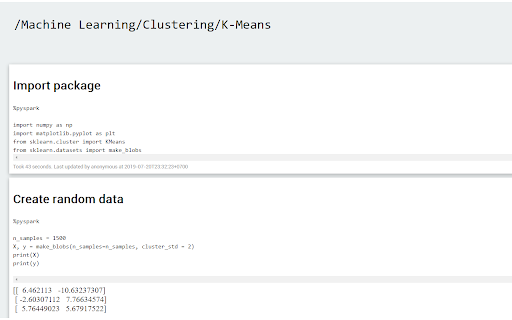
- Read JSON notebook by opening JSON file on browser.
- Speed up Zeppelin by removing unnecessary effects, web components,…
- Boost editor is embed as separate window. To activate, click on "Open with Boost editor" next to the setting icon in a paragraph. Ctrl + S to manually save the paragraph.
Warning: Boost editor icon may not appear and need you to refresh the page (F5). I will fix this later.
Changelogs:
0.1.5
- Fix black background and black texts while Windows is in light theme.
- Fix output image out of view due to being oversized.
0.1.4
- Fix code format issues (indent, wrapping) when reading JSON notebook.